
How can I change the language in MOBIKO?
MOBIKO is available in German and English. You can easily change the language in both the smartphone app (PWA) and the web app.
1. Changing the language in the MOBIKO app (PWA)
In the mobile app, you will find the language option at the top right via the gear icon (settings).
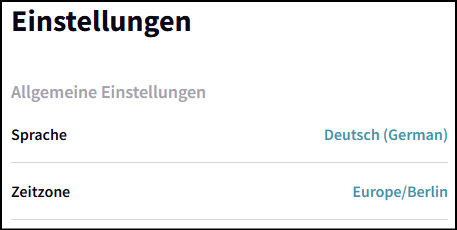
image.png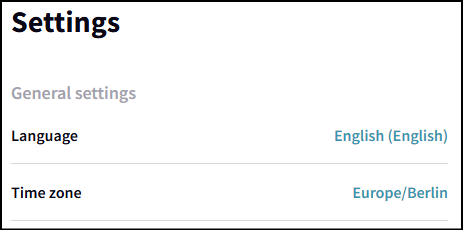
image.png
2. Changing the language in the web app
https://help.mobiko.net/link/107#
In the web app, you will find a small flag in the upper right corner next to your name.

image.png
image.png